Native web components — a free Sketch Library
Every web designer will find these useful 🎉 but no one will be using them for their portfolio 😏
Updated
Originally published on Medium (opens in a new tab).
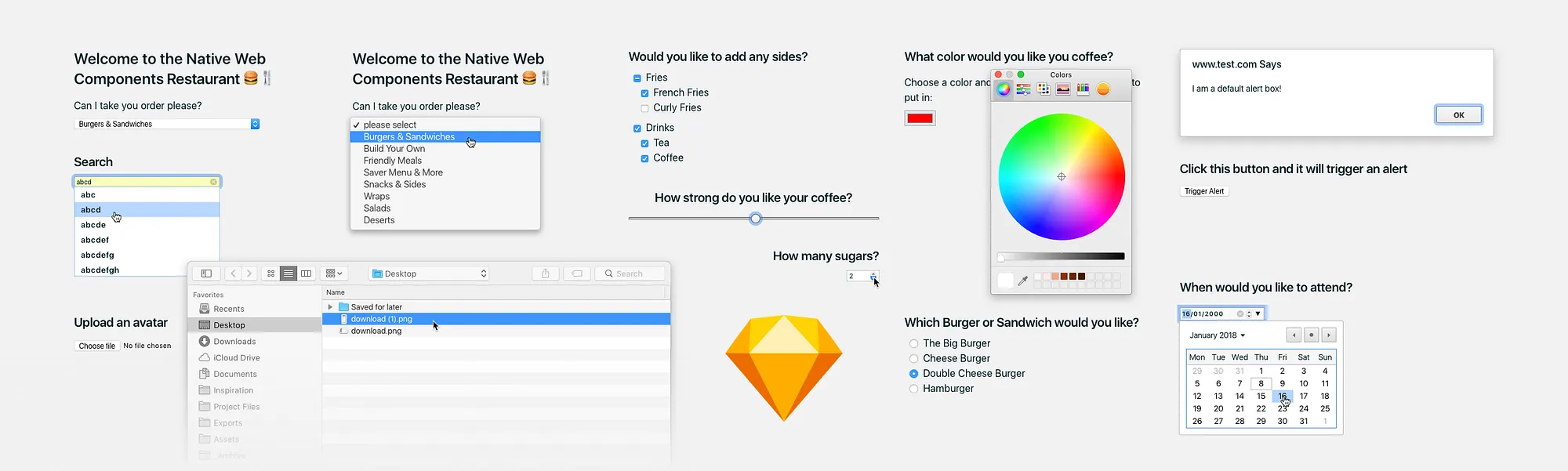
Every web designer will find these useful 🎉 but no one will be using them for their portfolio 😏
Note: Everything you see in this article is 100% created in Sketch. Prototyped in Principle.
That’s right, someone has gone out of their way to recreate the defaults… the thing that every other designer tries to redesign.
TL;DR
Free Sketch Library of native web components get 👉 it here 👈 This article demos what’s included and how it can be used. With a little bit about the the process of creating the library.
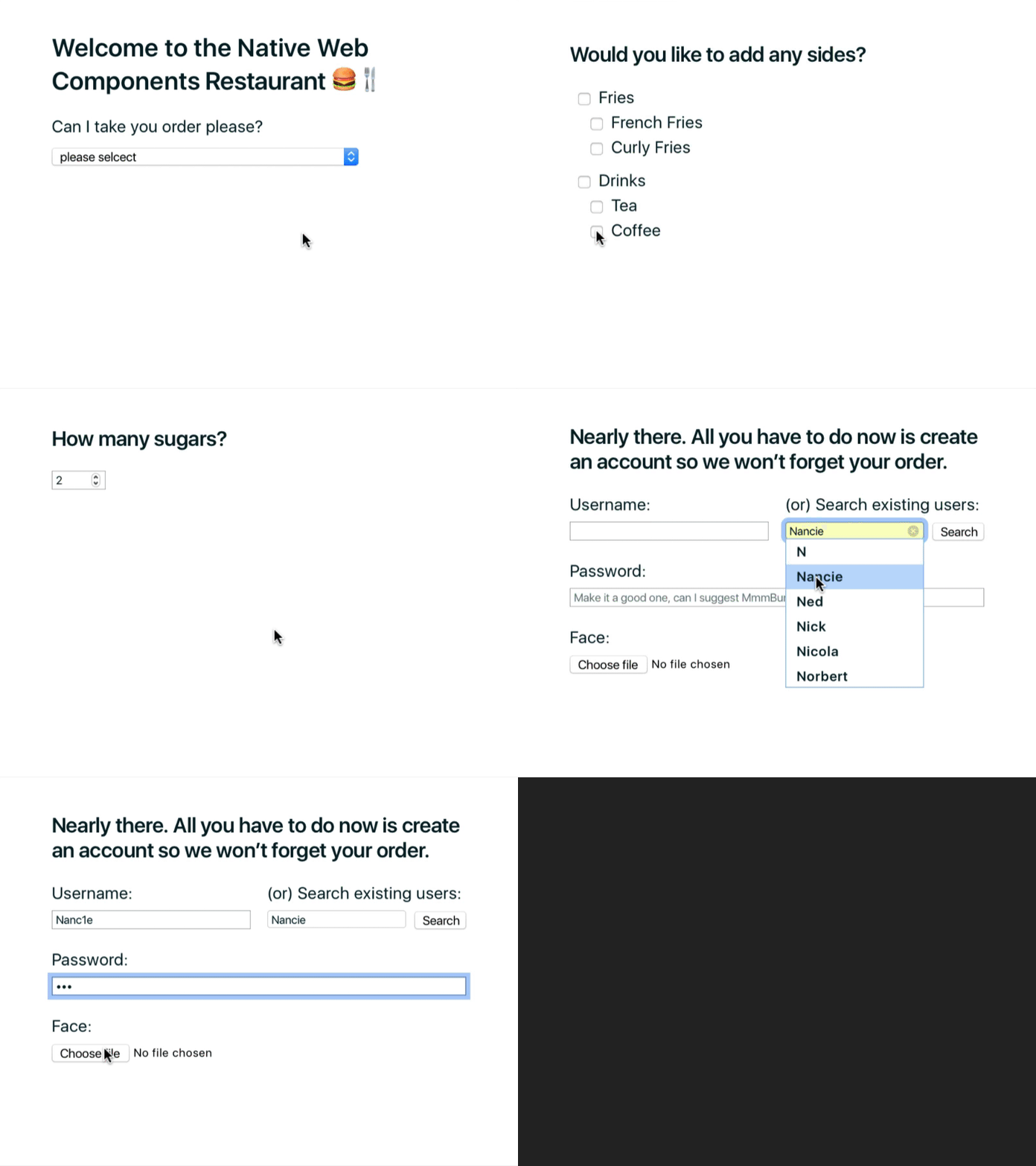
Demo of all the components included — 100% made in Sketch, prototyped in Principle
What are web components?
They’re not sexy. They’re not styled. They’re the browser defaults.
No web designer will include them in their portfolio without restyling them. But they’ve probably used them at some point. I’m talking default checkboxes, radios, dropdowns and more…
In the past, I’ve used them on forms, white label products (that had little additional styling) and couple of fugly CMSs. And if you’re like me, I know you want to get the nit picky details jussst right.
This comprehensive Sketch Library that will help you the next time your faced with similar design challenges.
https://codepen.io/robgill/full/dmGPeg/
About the Sketch Library
The library is available on Gumroad, here’s a breakdown of the contents.
ZIP File contains
Native Web Components.sketch - The Sketch library including a demo page.
Demo.sketch - All the components visually displayed with Native Web Components.sketch set up as a sketch library.
Demo.mp4 - An example of what you can achieve by using the library
Fully responsive

Need to resize? No problem! You can drag and everything will stay perfectly scaled. All the layout option have been set using Sketch’s Resizing properties so they’ll speak really well to other apps like InVision, Marvel or Zeplin.
No plugins needed
You wont need to install anything else, other than Sketch, to get this up and running. However, if you do have the Paddy plugin, your buttons will resize automatically.
As simple as possible
If you add Native Web Components.sketch as a Sketch Library, you can simply copy and paste every asset straight from the demo file. No need to dig through the symbols dropdown trying to find what you need.
It includes house-hold favourites such as:
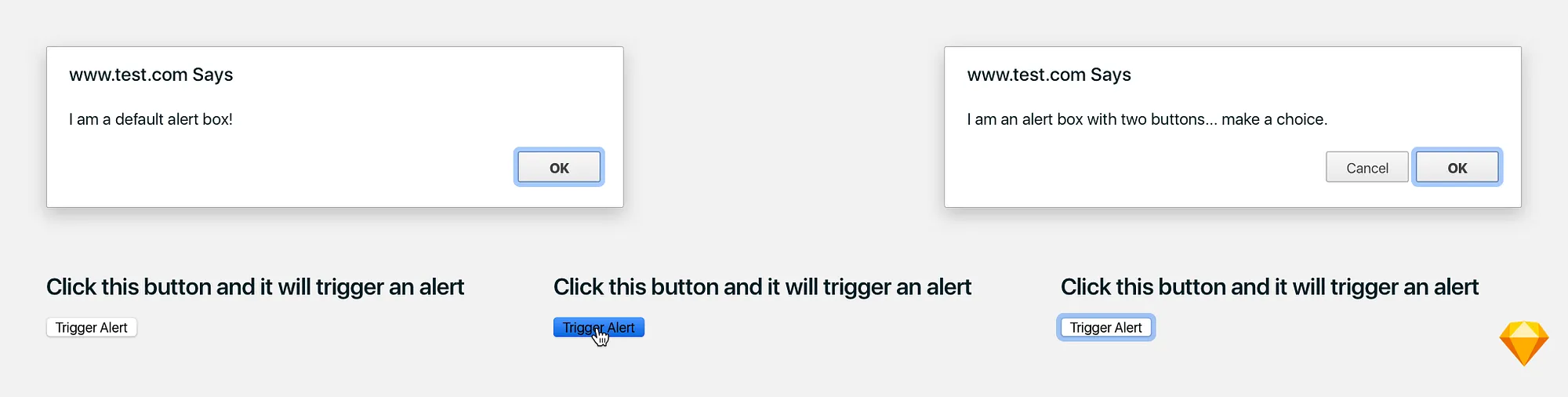
Buttons and Alerts
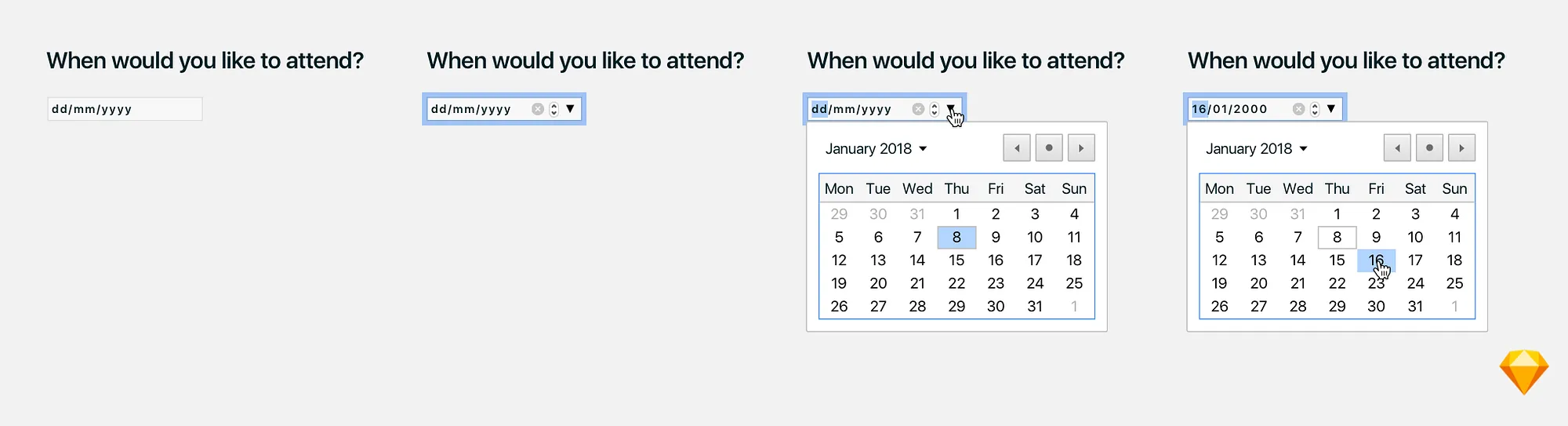
Date and Time
Select Boxes and dropdown menus
Checkboxes

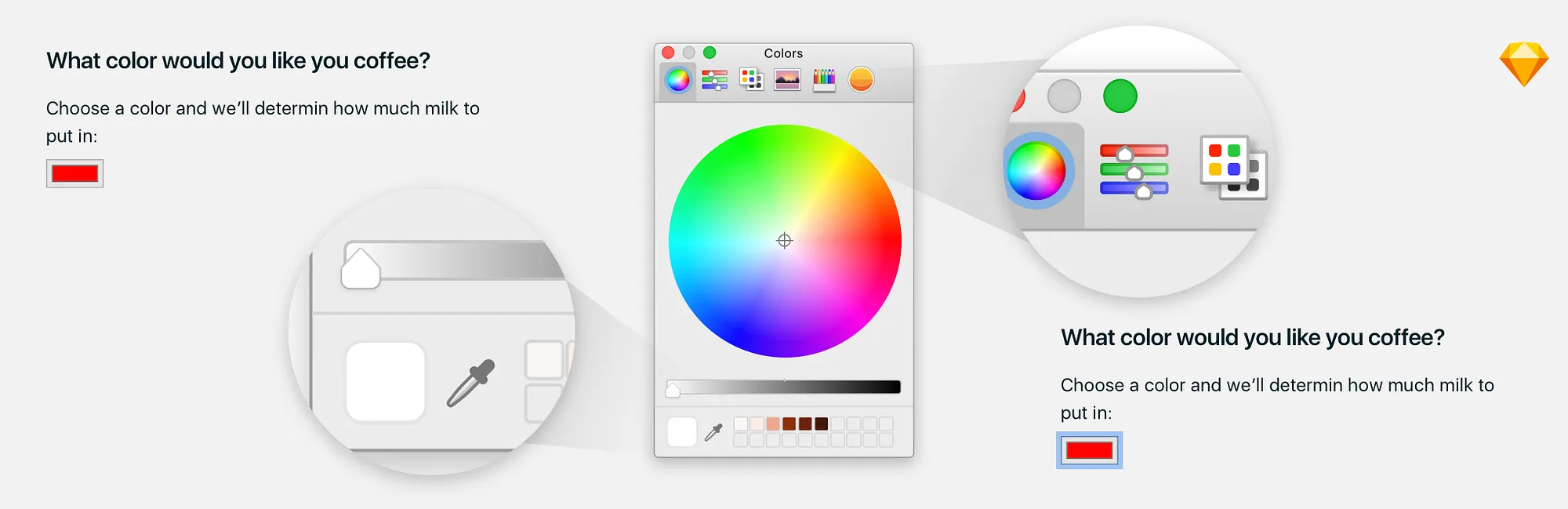
Color including the Mac OS color picker)
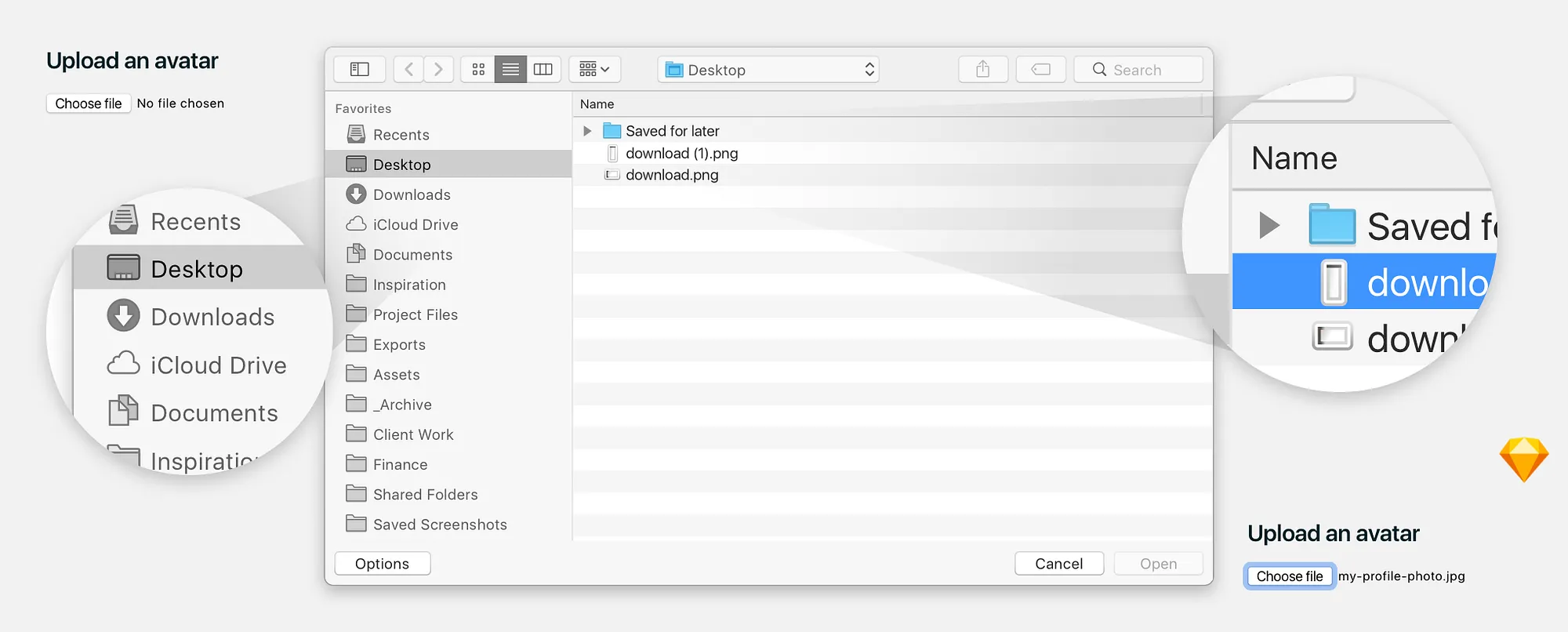
Files (including the Mac OS file picker)
Number

Radio Button

Range

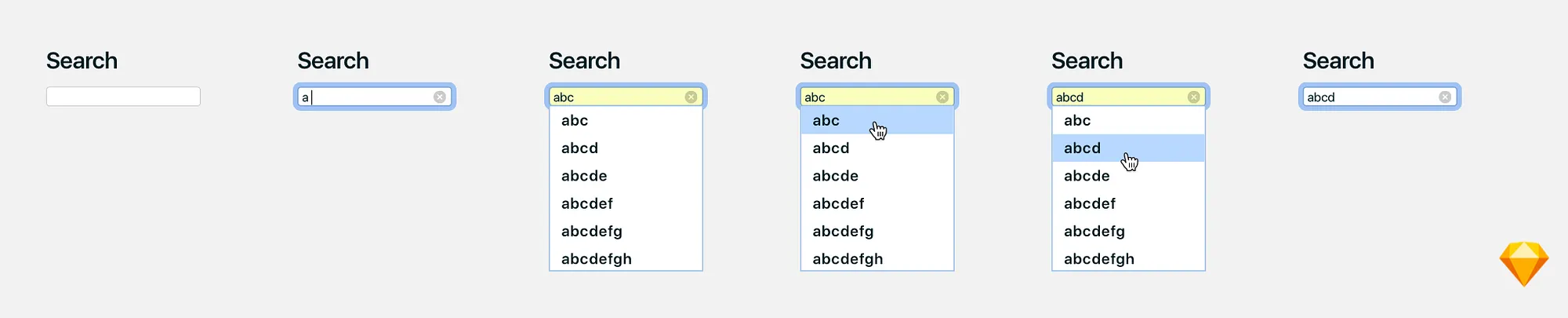
Search
Select-box and Dropdown Menus
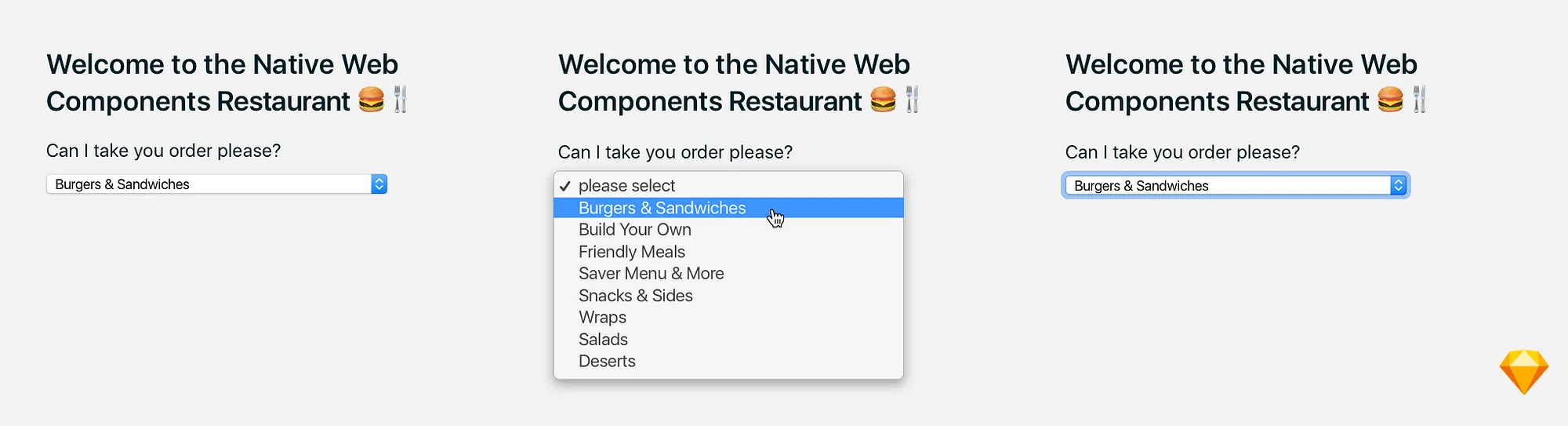
Text (such as, number, password, email etc)

A little bonus, the process…
I recored my self working on this Sketch file, mainly because I wanted to mess about some features on amazing Screenflow app. Here’s a time lapse of me working on the Mac OS file picker. As it was one of the more complex components, so it made the most exciting part to watch back 🖥📹
📽 Roll film…
http://www.youtube.com/watch?v=AG44tscwHJg
Get this Sketch Library now
👉 💎 ⬇ Download on Gumroad Now⬇ 💎️ 👈
Got questions? Or Suggestions for improvements?
Get in touch by leaving a reply or via twitter and I’ll be happy to help you out.
Right now Web Components is designed with Mac OS and Google Chrome in mind. Sketch is Mac only and Chrome and Safari as they both use WebKit making them by far the most popular browsers.
If you would find it useful to see more operating systems or browsers added, reach out, I’ll be happy to consider them.